
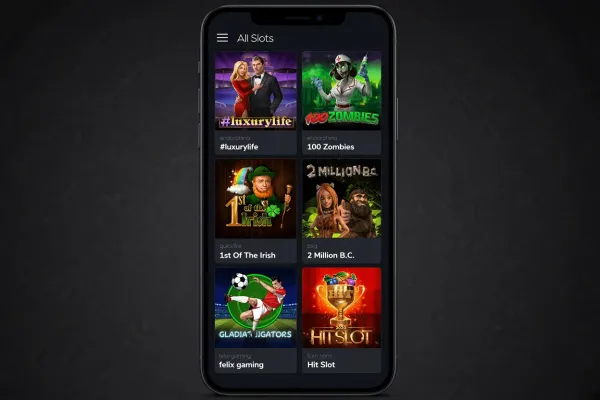
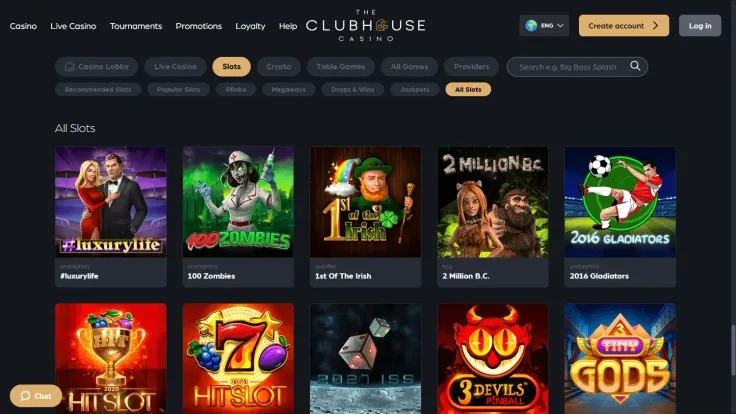
Clubhouse Casino has no Android app, so playing on an Android phone means using the mobile site in Chrome. The steps are shown above, and this page covers what to expect from the browser route and what to avoid.
Nothing in the steps above requires a file from a store or a website. Anything offered as the Clubhouse Casino app for Android, whether in a message, an advert or on a forum, does not come from Clubhouse Casino. The browser is the only route at the moment.
What you get on an Android phone

The mobile site is the phone version of Clubhouse Casino, and it opens in Chrome like any other website. You log in or create an account there, and the casino is reached the same way each time you open it.
Live casino games are part of the range. They stream video, so they use more mobile data than a standard game round, and a Wi-Fi connection helps if your mobile plan is limited. Turning the phone sideways gives the video more room, and closing other apps and browser tabs while a live game runs leaves the connection less crowded.
The home screen shortcut from the steps opens the same website. It is a shortcut rather than a separate app, so it adds no features and does not need updating on its own; Chrome handles that.
Skip any file that claims to be the app

Because Clubhouse Casino has no Android app, a file shared in a message, offered in an advert or posted on a forum as the Clubhouse Casino app is not from Clubhouse Casino. Do not install apps from unknown sources. On Android, that also means leaving the setting that allows installs from outside the store switched off.
The browser route is the one to use. Chrome loads the casino like any other page, so a stable connection matters more than spare storage. Keep Chrome up to date, and type the web address yourself or use a saved bookmark rather than following a link from a message. Look-alike sites exist, and the padlock beside the address is worth a glance before you log in.
If a page asks you to install something before you can play, close it and return to your own bookmark.
Practical points on an Android phone

Lock the phone with a PIN, pattern or fingerprint, and do not let anyone else use it while you are logged in. Choose a password you use nowhere else, and avoid logging in or paying over public Wi-Fi. Keep Android and Chrome up to date, and do not let Chrome save your password on a phone that other people use.
Check your mobile data allowance before you play live casino games. If the account offers deposit limits or time-outs, set them before you deposit; the safer gambling page explains how these tools work.
Keep a screenshot of each payment confirmation. If something goes wrong, contact support through the casino's live chat or email and describe the problem in writing, so that you have a copy of the reply. If you lose the phone, change your password from another device.